htmlbeginnermit
Default Radio
A standard radio button with a filled dot.
4.5k1.8k391321
About this module
The familiar radio: an empty ring that gains an indigo dot when selected.
#radio#classic
Source code
Installation
- 1
Create the files
Create `index.html`, `style.css` and (if listed) `script.js` in the same folder.
- 2
Paste the code
Copy each file's source into its matching file.
- 3
Open in the browser
Open `index.html` in any modern browser. No dependencies required.
Usage
- 1
Copy the HTML
Paste the markup where you need it.
<link rel="stylesheet" href="style.css" />
<label class="mh-radio">
  <input type="radio" name="mh-plan" checked />
  <span class="mh-dot"></span>
  <span>Monthly billing</span>
</label>
<label class="mh-radio">
  <input type="radio" name="mh-plan" />
  <span class="mh-dot"></span>
  <span>Annual billing</span>
</label>
Related modules
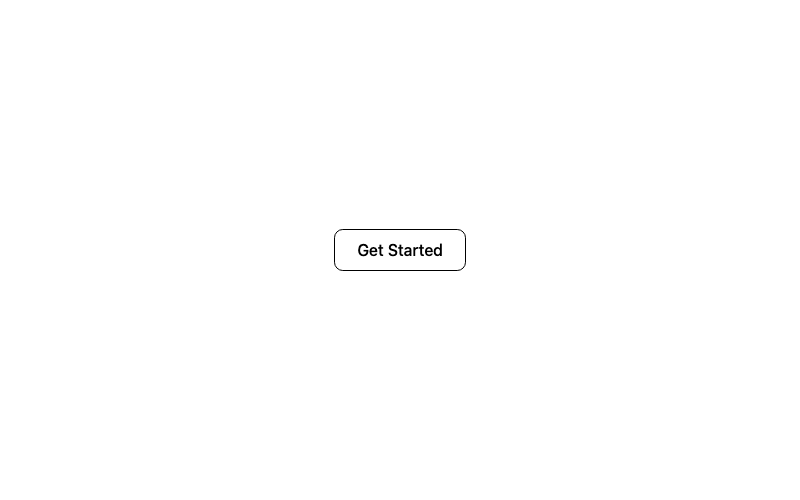
Outline Button
A classic outlined button with a filled hover state.
htmlbeginner
5.3k1.5k499409
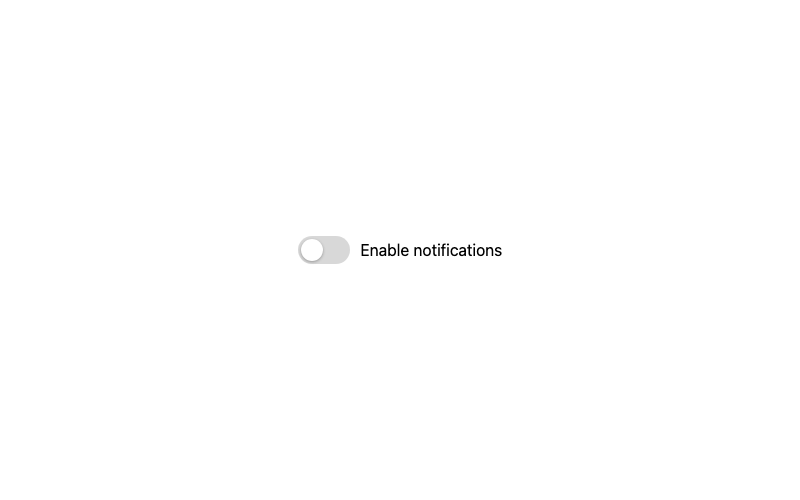
Classic Toggle
The standard green toggle switch with a sliding knob.
htmlbeginner
1.1k99316393
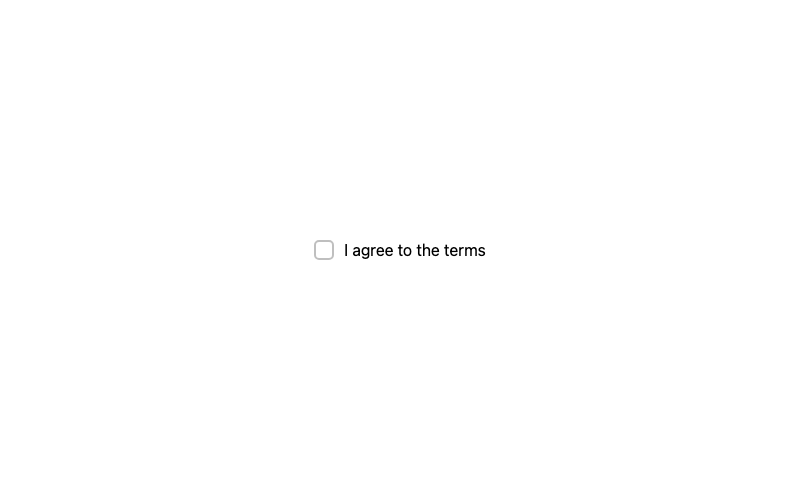
Default Checkbox
A standard checkbox with a crisp checkmark.
htmlbeginner
3.4k1.3k435365
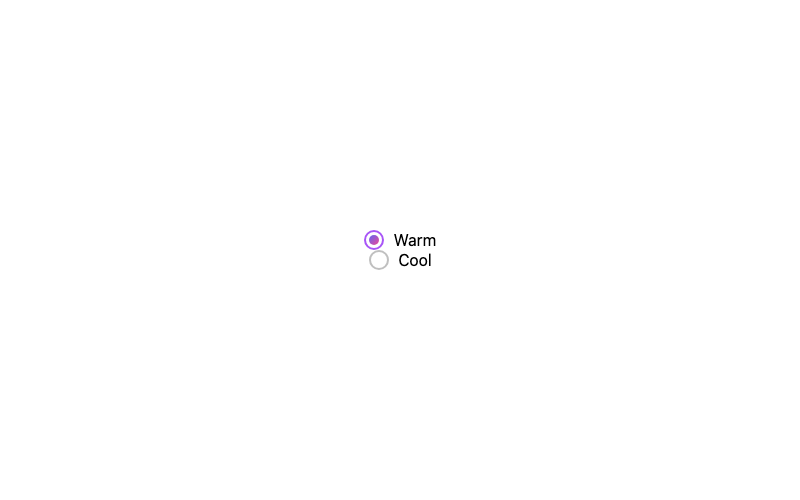
Gradient Radio
A radio whose selected dot is a gradient.
htmlintermediate
4.4k1.7k178108