htmladvancedmit
Text Split Effect
Characters animate in one by one.
7.0k3.2k300190
About this module
Headline characters spring in sequentially, wrapped in spans by GSAP's SplitText-style manual split.
#gsap#text#split#chars
Source code
Installation
- 1
Install GSAP
Install the animation library with your package manager.
npm install gsap - 2
Create the files
Create `index.html`, `style.css` and `script.js` in the same folder.
- 3
Paste the code
Copy each file's source into its matching file.
- 4
Run it
Open `index.html` (or import the logic into your bundler setup).
Usage
- 1
Copy the HTML
Paste the markup where you need it.
<link rel="stylesheet" href="style.css" /> <script src="https://cdnjs.cloudflare.com/ajax/libs/gsap/3.12.5/gsap.min.js"></script> <script src="script.js"></script> <h1 class="mh-split-title">Harbor</h1> - 2
Paste the script
Include `script.js` after GSAP.
const title = document.querySelector(".mh-split-title");
const text = title.textContent;
title.innerHTML = [...text].map((c) => '<span class="mh-char">' + c + "</span>").join("");
gsap.to(".mh-char", {
  opacity: 1,
  y: 0,
  rotate: 0,
  scale: 1,
  duration: 0.5,
  ease: "back.out(2)",
  stagger: 0.06,
  delay: 0.2,
});
gsap.set(".mh-char", { y: 60, rotate: 8, scale: 0.7 });
Related modules
 Featured
Gradient Shift Text
Text with a flowing gradient fill.
htmlbeginner
6.3k3.2k753133
Shimmer Text
A sweeping shine across text.
htmlintermediate
8.7k2.3k1.1k465
 Featured
Typewriter Effect
A typewriter that types and deletes.
htmlintermediate
2.3k2.2k725105
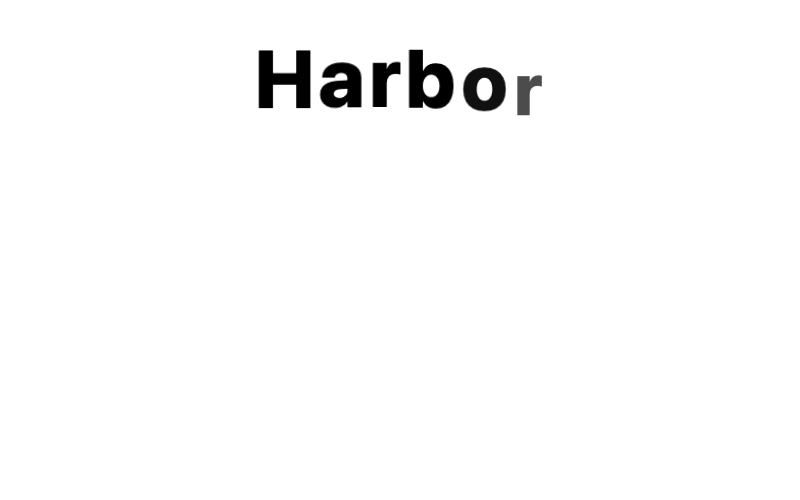
Letter Stagger
Letters that pop in one by one.
htmladvanced
5.9k1.8k330210