htmlbeginnermitFeatured
Icon Input
A search input with a leading magnifier icon.
1.3k802602242
About this module
A text input with an inline SVG search icon inside the field — the classic search box pattern.
#input#form#search#icon
Source code
Installation
- 1
Create the files
Create `index.html`, `style.css` and (if listed) `script.js` in the same folder.
- 2
Paste the code
Copy each file's source into its matching file.
- 3
Open in the browser
Open `index.html` in any modern browser.
Usage
- 1
Copy the HTML
Paste the markup where you need it.
<link rel="stylesheet" href="style.css" />
<div class="mh-field mh-icon-field">
  <label for="q">Search</label>
  <div class="mh-input-wrap">
    <svg class="mh-input-icon" width="16" height="16" viewBox="0 0 24 24" fill="none" stroke="currentColor" stroke-width="2" stroke-linecap="round"><circle cx="11" cy="11" r="7"/><path d="m21 21-4.3-4.3"/></svg>
    <input id="q" type="search" placeholder="Search modules..." />
  </div>
</div>
Related modules
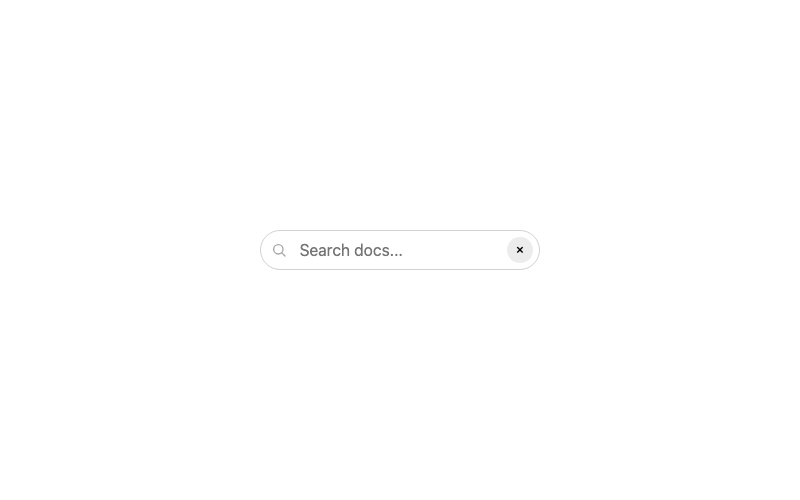
Clearable Search Input
A search input with a one-click clear button.
htmlintermediate
2.8k727527167
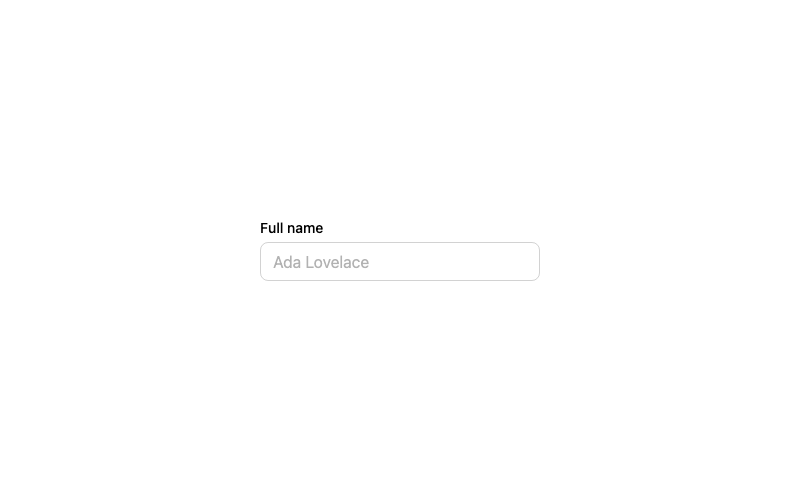
Default Input
A standard labeled text input with a focus ring.
htmlbeginner
2.9k874674314
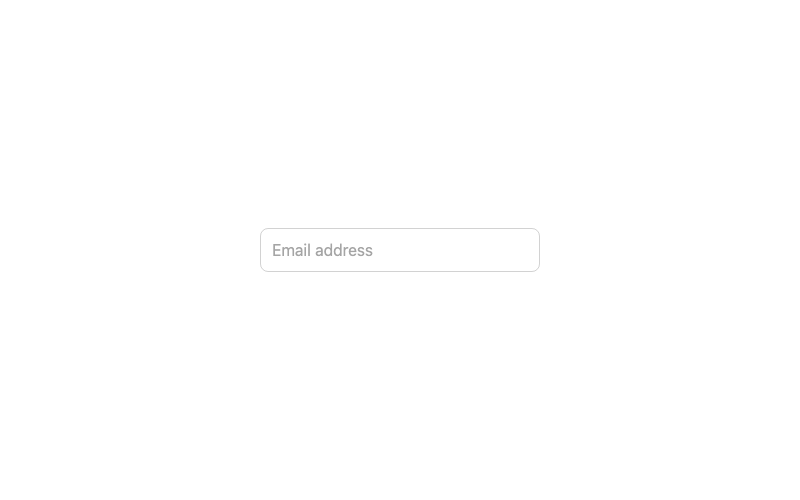
Floating Label Input
An input whose label floats above when focused or filled.
htmladvanced
3.2k1.0k246186
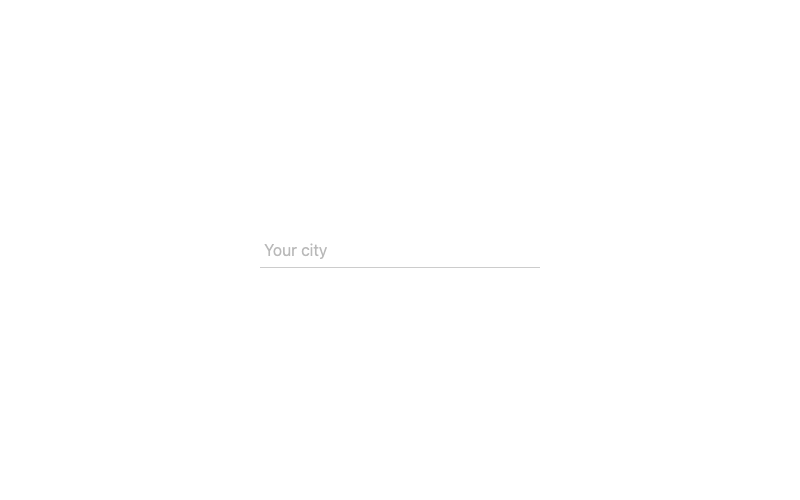
Underline Input
A borderless input with an animated underline.
htmlintermediate
2.2k62942969