htmladvancedmit
Mega Menu
A hover mega menu with grouped columns.
2.8k1.5k358468
About this module
A full-width mega menu with grouped link columns that drops down on hover — the pattern for big navs.
#nav#mega#menu#columns
Source code
Installation
- 1
Create the files
Create `index.html`, `style.css` and (if listed) `script.js` in the same folder.
- 2
Paste the code
Copy each file's source into its matching file.
- 3
Open in the browser
Open `index.html` in any modern browser.
Usage
- 1
Copy the HTML
Paste the markup where you need it.
<link rel="stylesheet" href="style.css" /> <script src="script.js"></script> <nav class="mh-mega"> <div class="mh-mega-item"> <button class="mh-mega-trigger" aria-expanded="false">Products ▾</button> <div class="mh-panel" aria-hidden="true"> <div class="mh-col"> <b>Frontend</b> <a href="#">Components</a> <a href="#">Sections</a> <a href="#">Animations</a> </div> <div class="mh-col"> <b>Platforms</b> <a href="#">React</a> <a href="#">Angular</a> <a href="#">Shopify</a> </div> </div> </div> <a href="#">Pricing</a> <a href="#">Docs</a> </nav> - 2
Wire up the script
Include `script.js` before the closing body tag.
const item = document.querySelector(".mh-mega-item");
const trigger = document.querySelector(".mh-mega-trigger");
const panel = document.querySelector(".mh-panel");
const setOpen = (open) => {
  trigger.setAttribute("aria-expanded", String(open));
  panel.setAttribute("aria-hidden", String(!open));
  item.classList.toggle("open", open);
};
item.addEventListener("mouseenter", () => setOpen(true));
item.addEventListener("mouseleave", () => setOpen(false));
trigger.addEventListener("click", () => setOpen(!item.classList.contains("open")));
document.addEventListener("keydown", (e) => { if (e.key === "Escape") setOpen(false); });
Related modules
 Featured
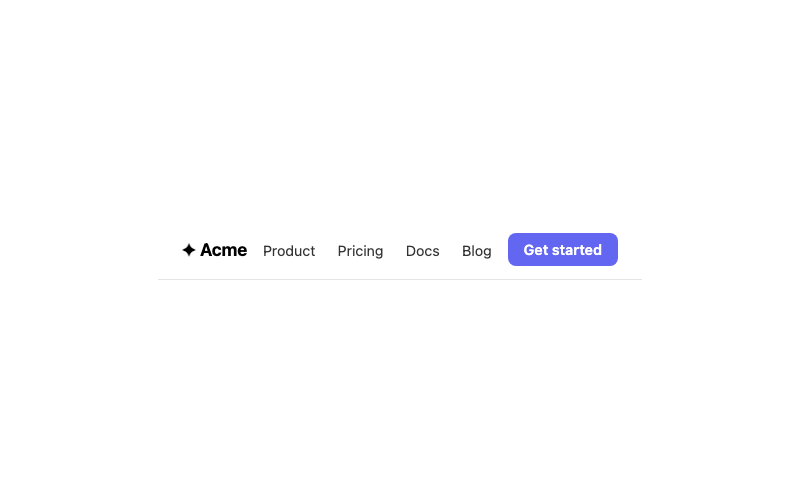
Sticky Navbar
A clean navbar that sticks to the top.
htmlbeginner
5.3k1.6k856366
Glass Navbar
A frosted-glass navbar for dark heroes.
htmlintermediate
6.0k2.7k333443
 Featured
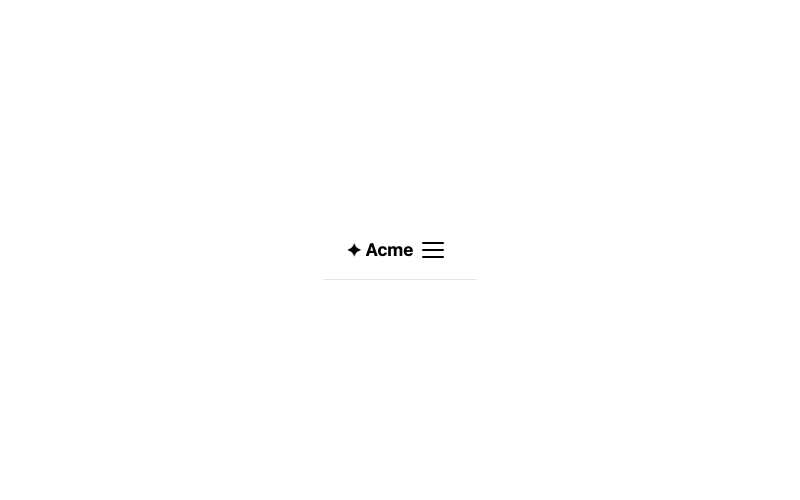
Mobile Menu
A hamburger menu that expands a drawer.
htmlintermediate
2.1k758438148
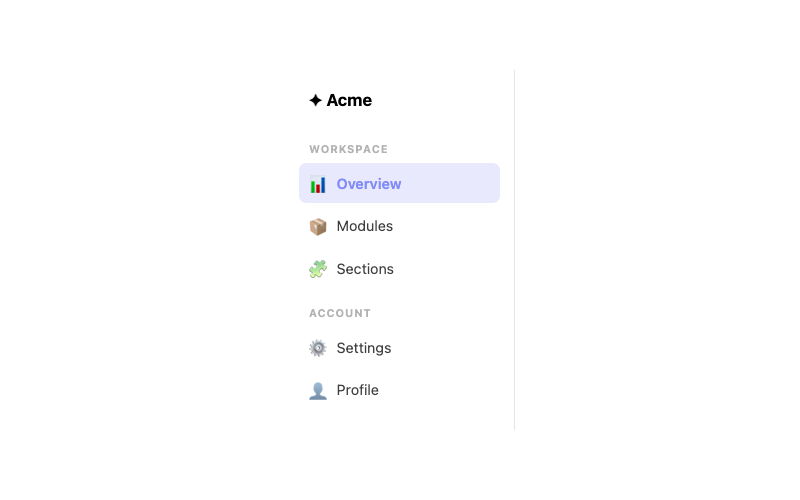
Sidebar
A vertical navigation sidebar with active state.
htmlintermediate
3.8k1.9k436246