htmlbeginnermit
Profile Card
A team member card with avatar and social links.
3.8k1.1k832442
About this module
A rounded profile card showing avatar, name, role and social icons — great for team sections.
#card#profile#team
Source code
Installation
- 1
Create the files
Create `index.html` and `style.css` in the same folder.
- 2
Paste the code
Copy each file's source into its matching file.
- 3
Open in the browser
Open `index.html` in any modern browser.
Usage
- 1
Copy the HTML
Paste the card markup where you need it.
<link rel="stylesheet" href="style.css" />
<article class="mh-profile">
  <img class="mh-avatar" src="data:image/svg+xml,%3Csvg xmlns='http://www.w3.org/2000/svg' width='96' height='96' viewBox='0 0 96 96'%3E%3Crect width='96' height='96' rx='48' fill='%236366f1'/%3E%3Ctext x='48' y='58' font-family='sans-serif' font-size='36' fill='white' text-anchor='middle'%3EM%3C/text%3E%3C/svg%3E" alt="Avatar of Maya" />
  <h3>Maya Chen</h3>
  <p class="mh-role">Staff Engineer</p>
  <p class="mh-bio">Builds design systems and loves good keyboard shortcuts.</p>
  <div class="mh-social">
    <a href="#" aria-label="GitHub">GH</a>
    <a href="#" aria-label="Twitter">TW</a>
    <a href="#" aria-label="LinkedIn">IN</a>
  </div>
</article>
Related modules

Checkbox Card
A selectable card with a checkmark in the corner.
htmlintermediate
3.9k75612656
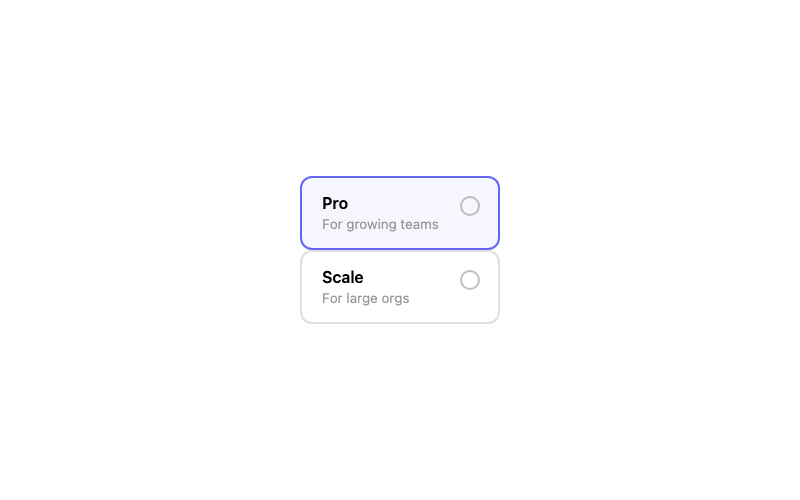
Radio Card
A selectable pricing card controlled by a radio.
htmlintermediate
2.2k1.5k374304
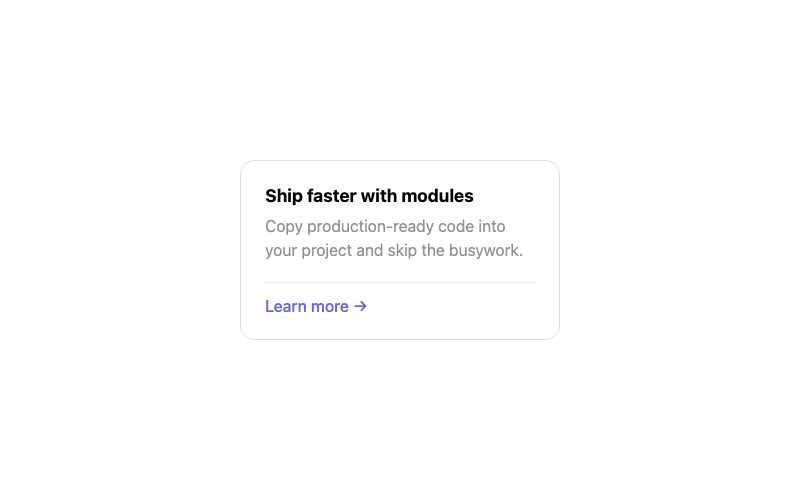
Simple Card
A clean card with title, body and a footer action.
htmlbeginner
3.8k923663313
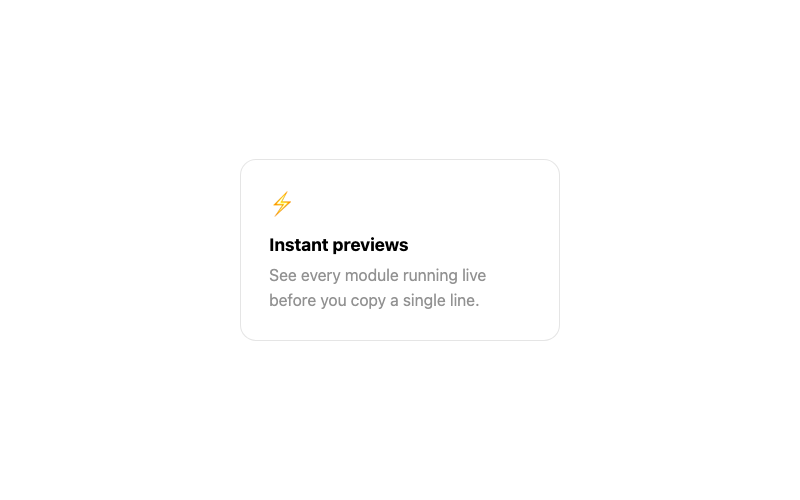 Featured
Hover Lift Card
A card that lifts and glows softly on hover.
htmlbeginner
1.4k1.1k845355