htmlintermediatemit
Tabs
Animated underline tabs with ARIA roles.
3.5k1.8k906216
About this module
Accessible tabs with a sliding underline indicator, keyboard support and `role=tablist` semantics.
#tabs#nav#animated
Source code
Installation
- 1
Create the files
Create `index.html`, `style.css` and (if listed) `script.js` in the same folder.
- 2
Paste the code
Copy each file's source into its matching file.
- 3
Open in the browser
Open `index.html` in any modern browser.
Usage
- 1
Copy the HTML
Paste the markup where you need it.
<link rel="stylesheet" href="style.css" /> <script src="script.js"></script> <div class="mh-tabs"> <div class="mh-tablist" role="tablist" aria-label="Sections"> <button role="tab" id="t-1" aria-selected="true" aria-controls="p-1">Overview</button> <button role="tab" id="t-2" aria-selected="false" aria-controls="p-2" tabindex="-1">Code</button> <button role="tab" id="t-3" aria-selected="false" aria-controls="p-3" tabindex="-1">Docs</button> <span class="mh-indicator"></span> </div> <div role="tabpanel" id="p-1" aria-labelledby="t-1"><p>Everything you need to get started.</p></div> <div role="tabpanel" id="p-2" aria-labelledby="t-2" hidden><p>Copy the source from the code tab.</p></div> <div role="tabpanel" id="p-3" aria-labelledby="t-3" hidden><p>Read the full documentation below.</p></div> </div> - 2
Wire up the script
Include `script.js` before the closing body tag.
const tabs = document.querySelectorAll(".mh-tablist [role=tab]");
const panels = document.querySelectorAll("[role=tabpanel]");
const indicator = document.querySelector(".mh-indicator");
function select(tab, focus) {
  tabs.forEach((t) => {
    const on = t === tab;
    t.setAttribute("aria-selected", String(on));
    t.tabIndex = on ? 0 : -1;
  });
  panels.forEach((p) => (p.hidden = p.getAttribute("aria-labelledby") !== tab.id));
  indicator.style.width = tab.offsetWidth + "px";
  indicator.style.transform = "translateX(" + tab.offsetLeft + "px)";
  if (focus) tab.focus();
}
const keys = { ArrowRight: 1, ArrowLeft: -1 };
tabs.forEach((tab, i) => {
  tab.addEventListener("click", () => select(tab, true));
  tab.addEventListener("keydown", (e) => {
    const dir = keys[e.key];
    if (!dir) return;
    e.preventDefault();
    select(tabs[(i + dir + tabs.length) % tabs.length], true);
  });
});
select(tabs[0]);
Related modules
 Featured
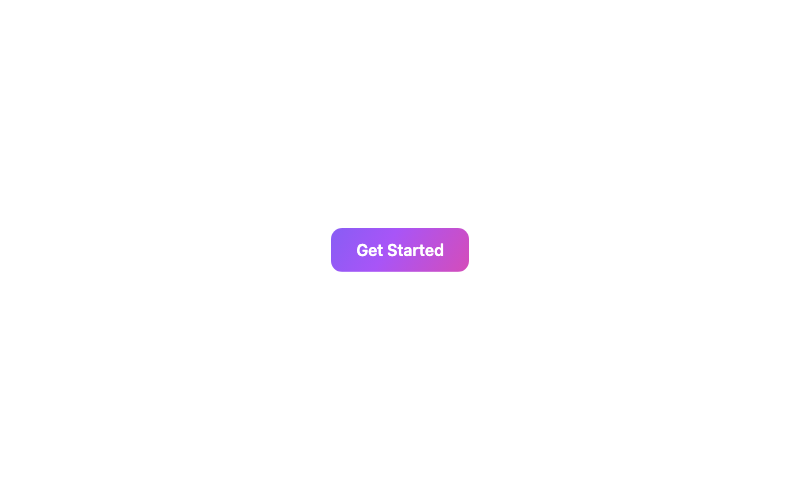
Animated Gradient Button
A button with a flowing animated gradient background.
htmlbeginner
4.8k2.0k17181
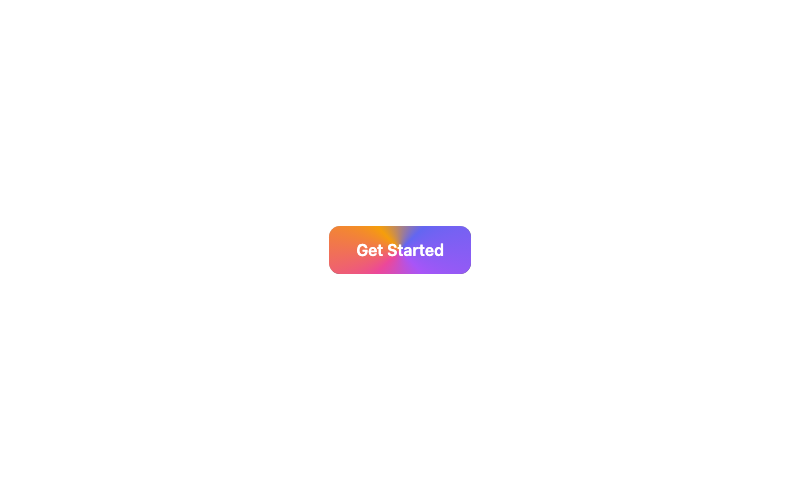
Animated Border Button
A button with a rotating conic-gradient border.
htmladvanced
1.4k617867277
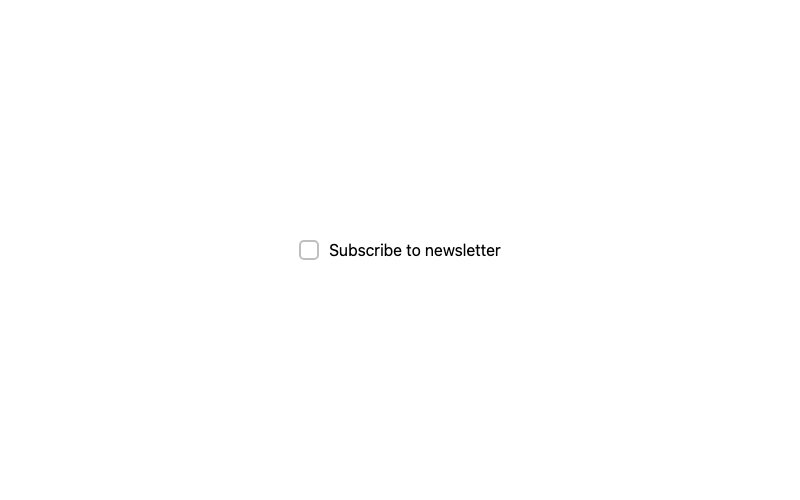
Animated Pop Checkbox
A checkbox with a springy pop when selected.
htmlintermediate
3.2k1.1k769349
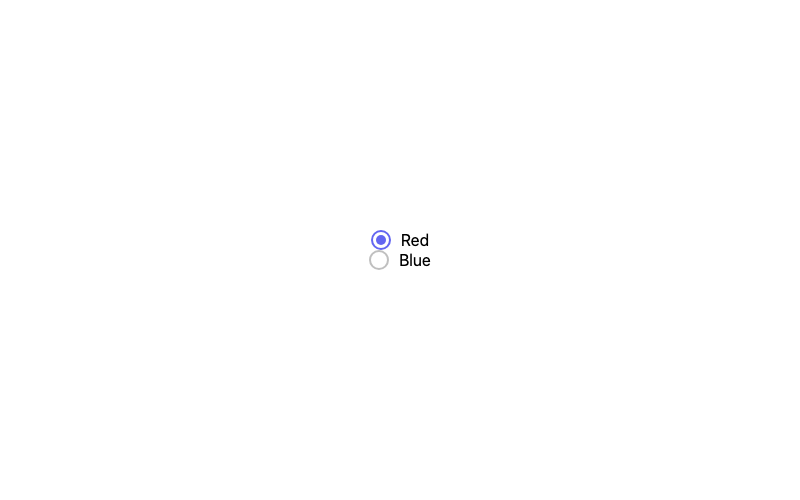
Animated Radio
A radio whose dot springs in when selected.
htmlbeginner
4.3k1.6k301231