htmlbeginnermit
Team Section
A team grid with member cards.
4.0k1.7k687557
About this module
A team section with four member cards including avatars, roles and social links.
#team#members#grid
Source code
Installation
- 1
Create the files
Create `index.html` and `style.css` in the same folder.
- 2
Paste the code
Copy each file's source into its matching file.
- 3
Open in the browser
Open `index.html` in any modern browser.
Usage
- 1
Copy the HTML
Paste the section markup where you need it.
<link rel="stylesheet" href="style.css" /> <section class="mh-sec"> <div class="mh-container"> <div class="mh-center-head"><span class="mh-eyebrow">Team</span><h2 class="mh-h2">The people behind the harbor</h2></div> <div class="mh-team"> <div class="mh-member"><i class="m1">MC</i><b>Maya Chen</b><span>Co-founder & CEO</span></div> <div class="mh-member"><i class="m2">JD</i><b>Jonas Duarte</b><span>Head of Engineering</span></div> <div class="mh-member"><i class="m3">SL</i><b>Sara Lindqvist</b><span>Design Lead</span></div> <div class="mh-member"><i class="m4">TO</i><b>Tom Okafor</b><span>Developer Experience</span></div> </div> </div> </section>
Related modules
 Featured
Testimonial Grid
A masonry-style testimonial grid.
htmlbeginner
9.4k3.1k862132
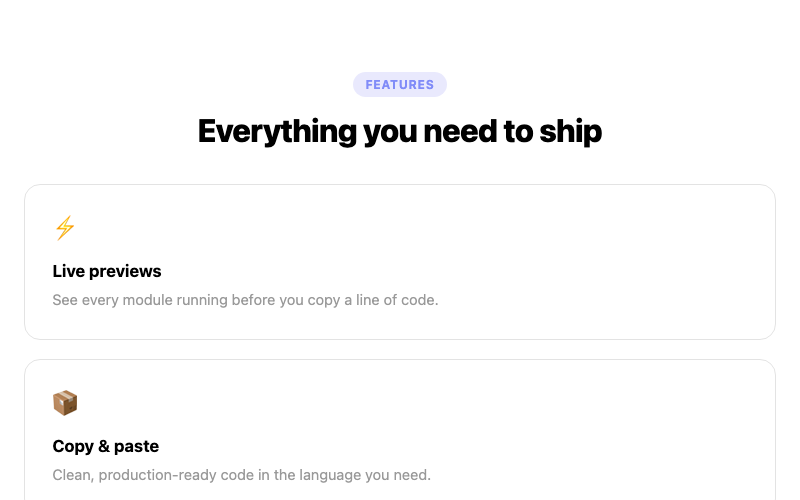
Features Grid
A three-column feature grid with icons.
htmlbeginner
5.0k3.7k816686
 Featured
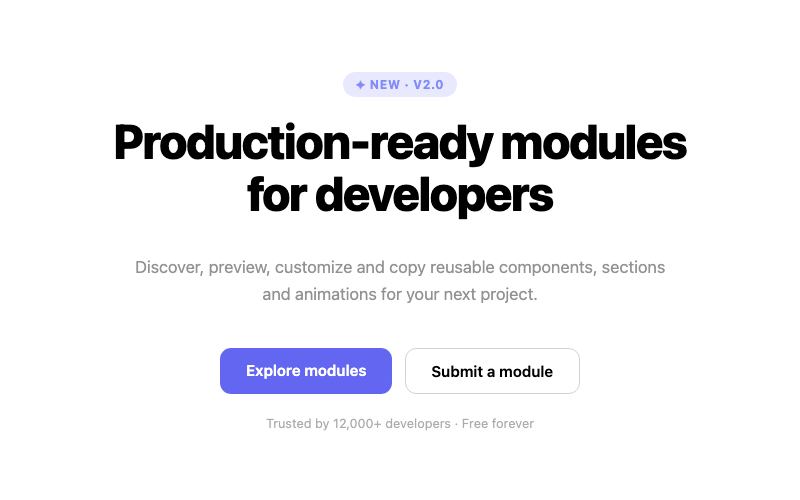
Centered Hero
A centered headline hero with dual CTAs.
htmlbeginner
3.5k2.2k509379

Split Hero
A two-column hero with copy and a visual panel.
htmlintermediate
7.8k1.5k487357