htmlbeginnermit
Two Column Testimonials
A split layout with a headline and testimonials.
8.9k3.6k708578
About this module
A two-column layout: persuasive headline and CTA on the left, testimonial list on the right.
#testimonials#split#layout
Source code
Installation
- 1
Create the files
Create `index.html` and `style.css` in the same folder.
- 2
Paste the code
Copy each file's source into its matching file.
- 3
Open in the browser
Open `index.html` in any modern browser.
Usage
- 1
Copy the HTML
Paste the section markup where you need it.
<link rel="stylesheet" href="style.css" />
<section class="mh-sec">
  <div class="mh-container mh-two-col">
    <div class="mh-copy">
      <span class="mh-eyebrow">Why teams switch</span>
      <h2 class="mh-h2">Don't take our word for it</h2>
      <p class="mh-sub">Hear from the developers who moved their design process to ModuleHarbor.</p>
      <a href="#" class="mh-link">Read all stories →</a>
    </div>
    <div class="mh-quotes">
      <figure class="mh-q"><blockquote>"Our design handoff went from 3 days to 40 minutes."</blockquote><figcaption><b>Zoe L.</b> · Product Designer</figcaption></figure>
      <figure class="mh-q"><blockquote>"I stopped rebuilding the same navbar on every client."</blockquote><figcaption><b>Marcus B.</b> · Freelance Dev</figcaption></figure>
    </div>
  </div>
</section>
Related modules

Split Hero
A two-column hero with copy and a visual panel.
htmlintermediate
7.8k1.5k487357
 Featured
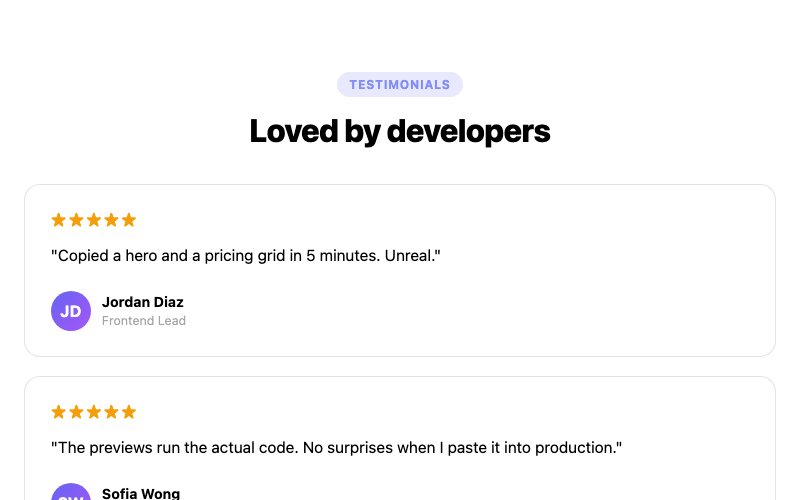
Testimonial Grid
A masonry-style testimonial grid.
htmlbeginner
9.4k3.1k862132
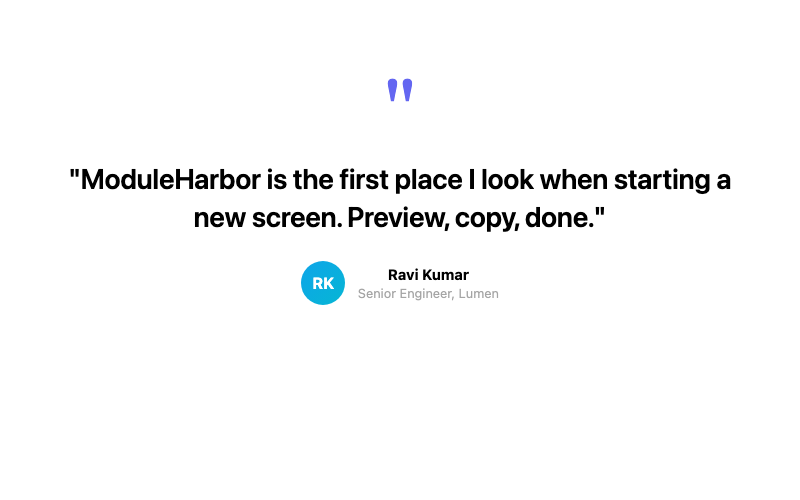
Single Featured Testimonial
A large centered pull-quote testimonial.
htmlbeginner
5.1k2.8k522392
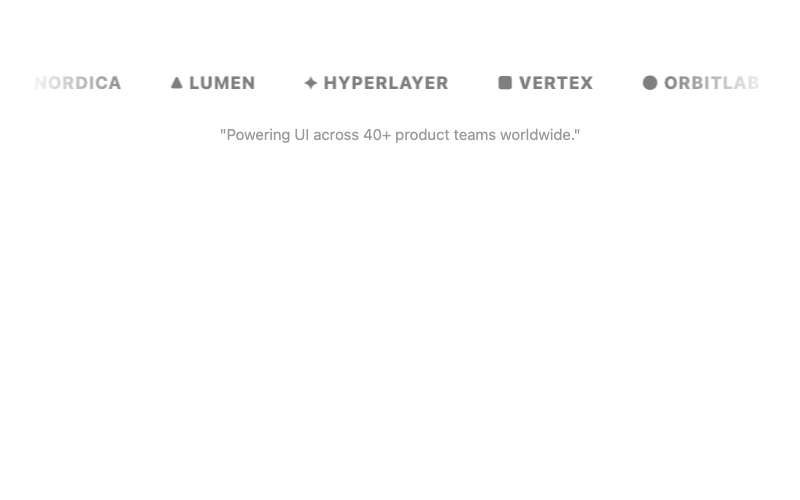
Logo Marquee + Testimonial
A testimonial with a scrolling logo strip.
htmlintermediate
8.0k3.7k1.4k690