angularintermediatemit
Angular Navbar
A responsive Angular navbar.
3.1k3.2k527407
About this module
An Angular navbar with a responsive hamburger menu, `*ngIf` mobile drawer and ARIA attributes.
#angular#navbar#responsive#menu
Source code
Installation
- 1
Install Angular
Create or open an Angular project (Angular 16+ for standalone components).
npx @angular/cli@latest new my-app --standalone - 2
Create the component files
Create NavbarComponent.component.ts, .html and .scss and paste the matching sources below.
- 3
Declare it
Import the component into your standalone component or NgModule.
import { NavbarComponentComponent } from "./navbar-component/NavbarComponent.component"; @Component({ imports: [NavbarComponentComponent], // ... }) - 4
Use it
Render the component in a template.
<app-navbar-component></app-navbar-component>
Usage
- 1
Import
Import NavbarComponentComponent where needed.
import { NavbarComponentComponent } from "./navbar-component.component"; - 2
Render
Add the selector to your template.
<app-navbar-component></app-navbar-component>
Related modules
 Featured
React Glass Navbar
A frosted-glass navbar as a React component.
reactintermediate
7.8k2.7k1.4k513
 Featured
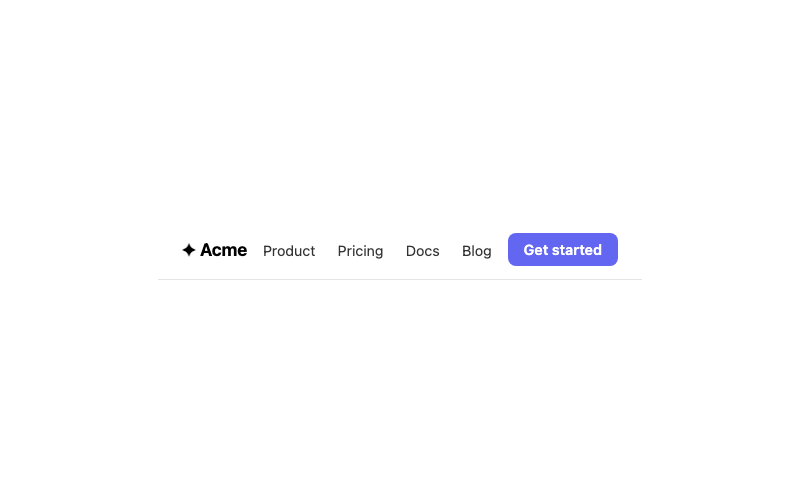
Sticky Navbar
A clean navbar that sticks to the top.
htmlbeginner
5.3k1.6k856366
Dropdown Menu
A click-to-open dropdown menu.
htmlintermediate
6.0k1.5k315325
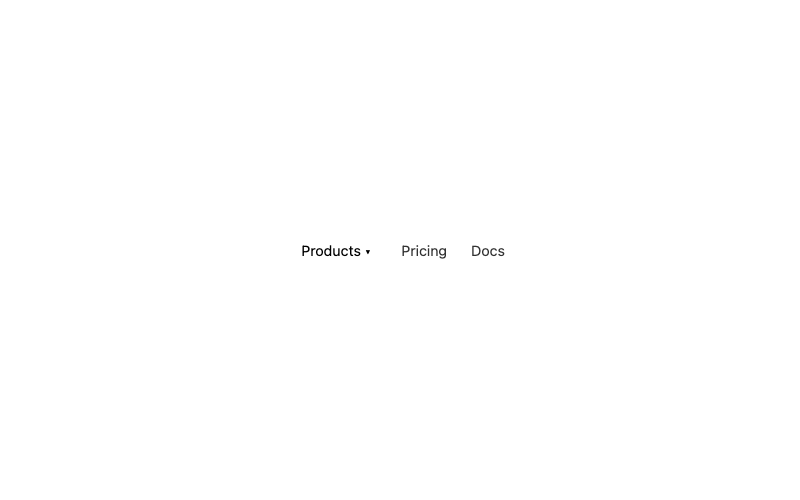
Mega Menu
A hover mega menu with grouped columns.
htmladvanced
2.8k1.5k358468