angularbeginnermit
Angular Toggle Switch
A two-way bound Angular toggle.
4.3k1.5k1.1k382
About this module
An Angular toggle with `[(ngModel)]`-style two-way binding via `@Input`/`@Output`, plus a label.
#angular#toggle#two-way#binding
Source code
Installation
- 1
Install Angular
Create or open an Angular project (Angular 16+ for standalone components).
npx @angular/cli@latest new my-app --standalone - 2
Create the component files
Create ToggleSwitchComponent.component.ts, .html and .scss and paste the matching sources below.
- 3
Declare it
Import the component into your standalone component or NgModule.
import { ToggleSwitchComponentComponent } from "./toggle-switch-component/ToggleSwitchComponent.component"; @Component({ imports: [ToggleSwitchComponentComponent], // ... }) - 4
Use it
Render the component in a template.
<app-toggle-switch-component></app-toggle-switch-component>
Usage
- 1
Import
Import ToggleSwitchComponentComponent where needed.
import { ToggleSwitchComponentComponent } from "./toggle-switch-component.component"; - 2
Render
Add the selector to your template.
<app-toggle-switch-component></app-toggle-switch-component>
Related modules
 Featured
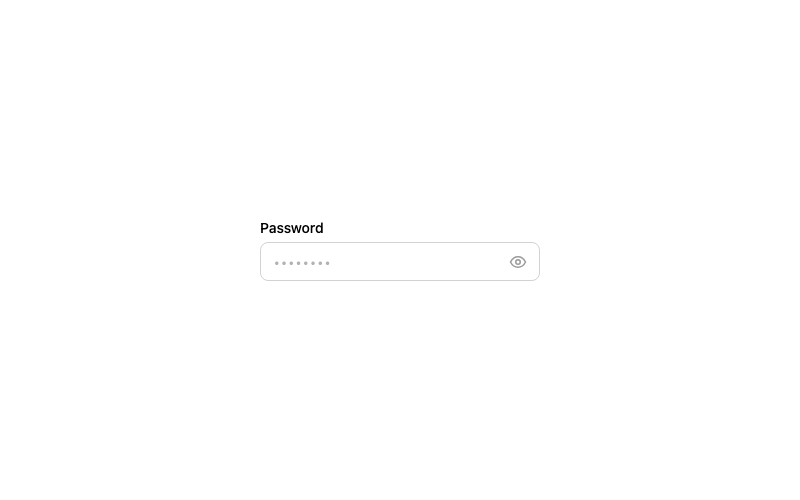
Password Toggle Input
A password field with a show/hide eye toggle.
htmlintermediate
3.4k1.1k255195
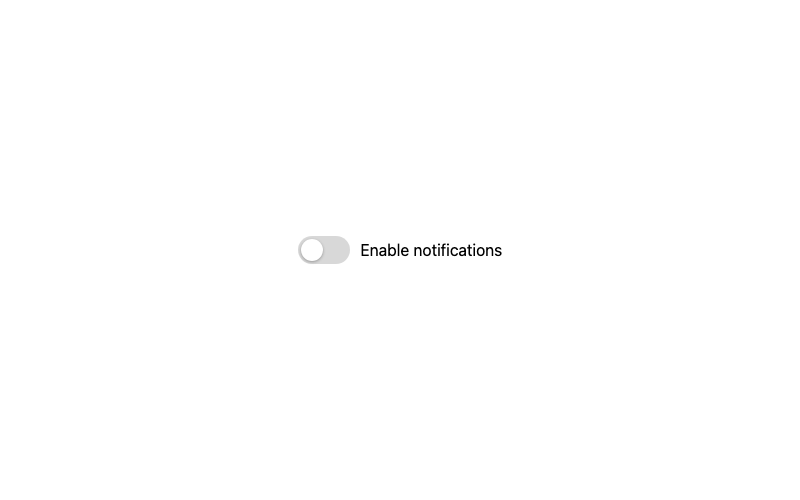
Classic Toggle
The standard green toggle switch with a sliding knob.
htmlbeginner
1.1k99316393
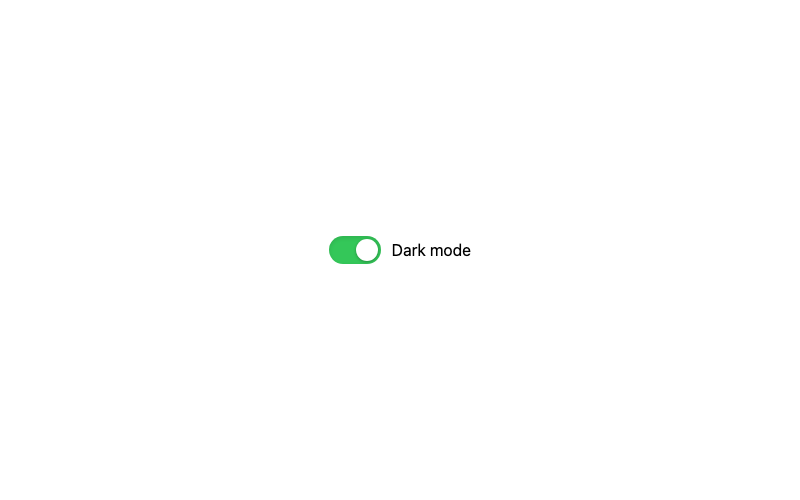
iOS Style Toggle
The pill-shaped iOS toggle with an inset shadow.
htmlintermediate
4.3k694364294
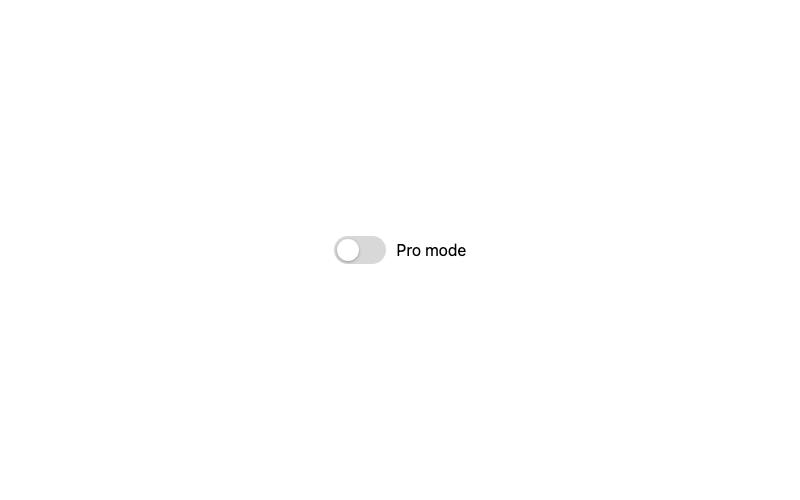
Gradient Toggle
A toggle with a vivid gradient fill when enabled.
htmlintermediate
1.0k899769349