htmlintermediatemit
Comparison Pricing
A feature comparison table with check marks.
7.9k1.6k540410
About this module
A detailed feature comparison table across three tiers — great for sophisticated products.
#pricing#comparison#table
Source code
Installation
- 1
Create the files
Create `index.html` and `style.css` in the same folder.
- 2
Paste the code
Copy each file's source into its matching file.
- 3
Open in the browser
Open `index.html` in any modern browser.
Usage
- 1
Copy the HTML
Paste the section markup where you need it.
<link rel="stylesheet" href="style.css" />
<section class="mh-sec">
  <div class="mh-container">
    <div class="mh-center-head">
      <span class="mh-eyebrow">Compare</span>
      <h2 class="mh-h2">Every feature, side by side</h2>
    </div>
    <table class="mh-compare">
      <thead><tr><th></th><th>Starter</th><th>Pro</th><th>Enterprise</th></tr></thead>
      <tbody>
        <tr><td>Modules</td><td>50</td><td>Unlimited</td><td>Unlimited</td></tr>
        <tr><td>ZIP downloads</td><td>✕</td><td>✓</td><td>✓</td></tr>
        <tr><td>Customization</td><td>✕</td><td>✓</td><td>✓</td></tr>
        <tr><td>SSO / SAML</td><td>✕</td><td>✕</td><td>✓</td></tr>
        <tr><td>Support</td><td>Community</td><td>Priority</td><td>Dedicated</td></tr>
      </tbody>
    </table>
  </div>
</section>
Related modules
 Featured
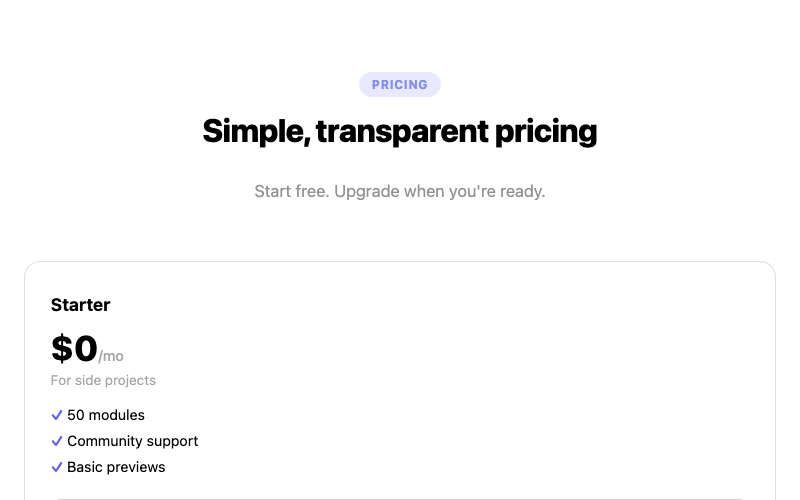
Three Tier Pricing
A three-column pricing grid with a highlighted plan.
htmlintermediate
4.1k2.8k1.1k410
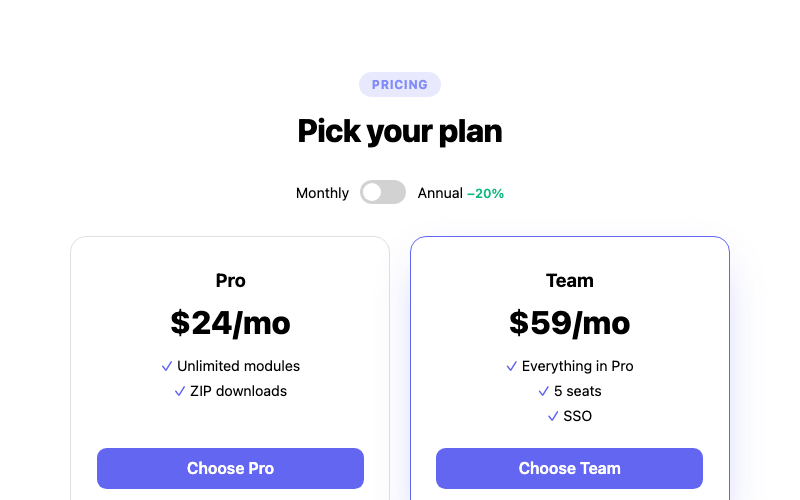
Billing Toggle Pricing
A pricing section with a monthly/annual toggle.
htmladvanced
5.7k1.4k393263
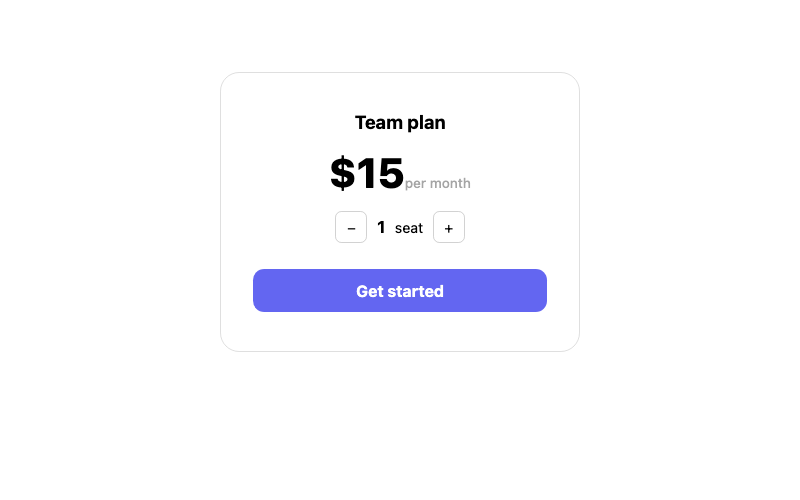
Per Seat Pricing
A pricing card with a seat stepper.
htmladvanced
2.4k2.1k1.0k286
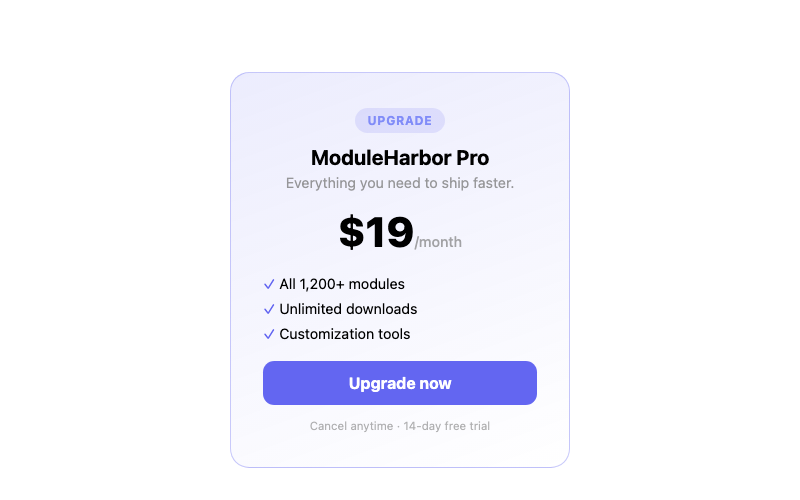
Inline Pricing Card
A compact single pricing card.
htmlbeginner
8.6k3.3k485355