htmladvancedmit
Per Seat Pricing
A pricing card with a seat stepper.
2.4k2.1k1.0k286
About this module
A pricing card with an interactive seat counter that live-updates the total price.
#pricing#seats#stepper#interactive
Source code
Installation
- 1
Create the files
Create `index.html` and `style.css` in the same folder.
- 2
Paste the code
Copy each file's source into its matching file.
- 3
Open in the browser
Open `index.html` in any modern browser.
Usage
- 1
Copy the HTML
Paste the section markup where you need it.
<link rel="stylesheet" href="style.css" /> <script src="script.js"></script> <section class="mh-sec"> <div class="mh-container mh-center-head"> <div class="mh-seat-card"> <h3>Team plan</h3> <div class="mh-total"><span id="mh-total">$15</span><em>per month</em></div> <div class="mh-stepper"> <button id="mh-minus" aria-label="Remove seat">−</button> <span id="mh-seats" data-count="1">1</span> <label for="mh-seats">seat</label> <button id="mh-plus" aria-label="Add seat">+</button> </div> <button class="mh-cta">Get started</button> </div> </div> </section> - 2
Wire up the script
Include `script.js` before the closing body tag.
const minus = document.getElementById("mh-minus");
const plus = document.getElementById("mh-plus");
const seats = document.getElementById("mh-seats");
const total = document.getElementById("mh-total");
const PRICE = 15;
const update = () => {
  seats.textContent = seats.dataset.count;
  total.textContent = "$" + Number(seats.dataset.count) * PRICE;
};
minus.addEventListener("click", () => {
  const n = Math.max(1, Number(seats.dataset.count) - 1);
  seats.dataset.count = String(n); update();
});
plus.addEventListener("click", () => {
  const n = Math.min(100, Number(seats.dataset.count) + 1);
  seats.dataset.count = String(n); update();
});
Related modules
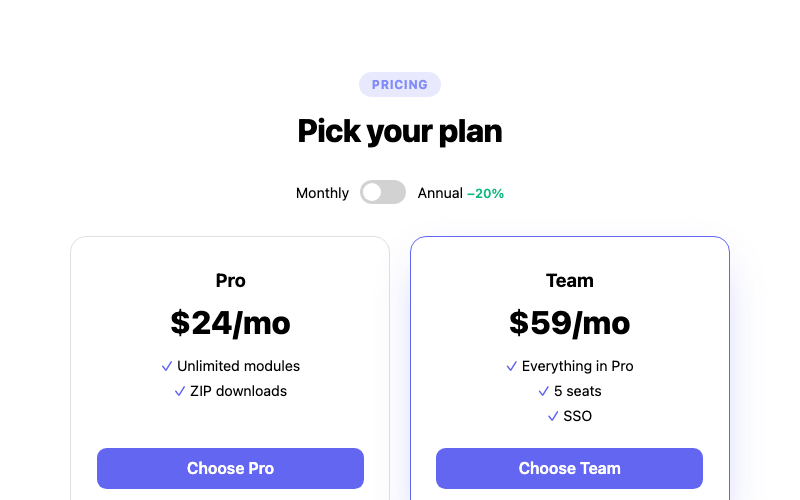
Billing Toggle Pricing
A pricing section with a monthly/annual toggle.
htmladvanced
5.7k1.4k393263
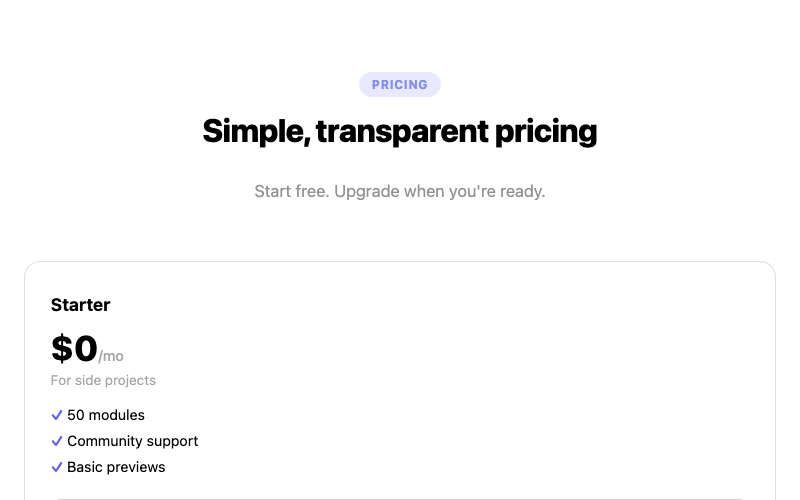 Featured
Three Tier Pricing
A three-column pricing grid with a highlighted plan.
htmlintermediate
4.1k2.8k1.1k410
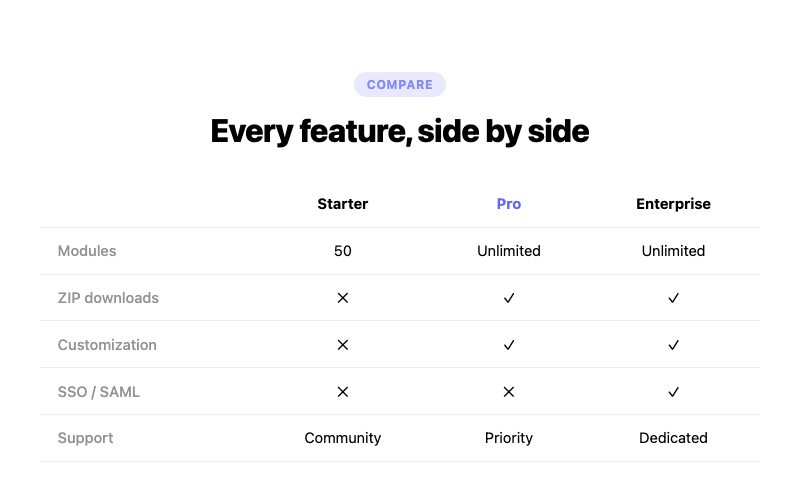
Comparison Pricing
A feature comparison table with check marks.
htmlintermediate
7.9k1.6k540410
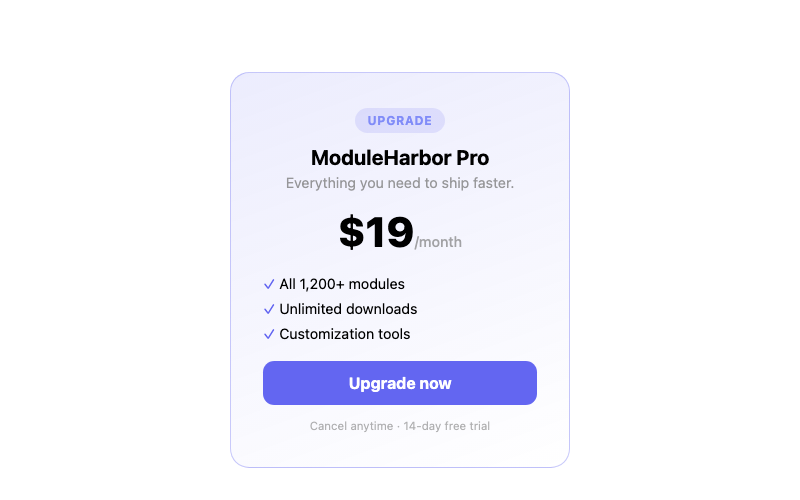
Inline Pricing Card
A compact single pricing card.
htmlbeginner
8.6k3.3k485355