htmlintermediatemit
Number Stepper
A quantity input with plus/minus buttons.
3.7k95315393
About this module
A quantity selector with minus and plus buttons and a validation floor — perfect for carts and tickets.
#input#form#number#quantity#stepper
Source code
Installation
- 1
Create the files
Create `index.html`, `style.css` and (if listed) `script.js` in the same folder.
- 2
Paste the code
Copy each file's source into its matching file.
- 3
Open in the browser
Open `index.html` in any modern browser.
Usage
- 1
Copy the HTML
Paste the markup where you need it.
<link rel="stylesheet" href="style.css" /> <script src="script.js"></script> <div class="mh-stepper" data-min="1" data-max="99"> <button type="button" class="mh-step" data-dir="-1" aria-label="Decrease">−</button> <input id="qty" type="number" value="1" min="1" max="99" aria-label="Quantity" /> <button type="button" class="mh-step" data-dir="1" aria-label="Increase">+</button> </div> - 2
Wire up the script
Include `script.js` before the closing body tag.
const stepper = document.querySelector(".mh-stepper");
const input = stepper.querySelector("input");
const min = Number(stepper.dataset.min);
const max = Number(stepper.dataset.max);
stepper.addEventListener("click", (e) => {
  const btn = e.target.closest(".mh-step");
  if (!btn) return;
  const next = Math.min(max, Math.max(min, Number(input.value) + Number(btn.dataset.dir)));
  input.value = String(next);
  input.dispatchEvent(new Event("change", { bubbles: true }));
});
Related modules
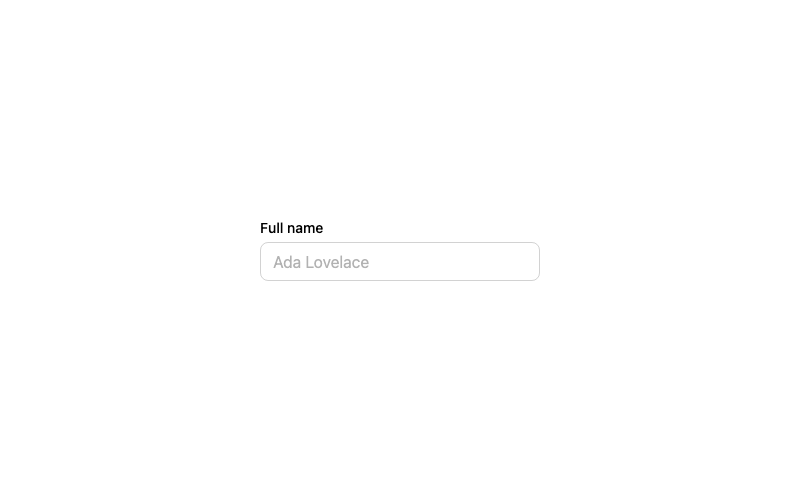
Default Input
A standard labeled text input with a focus ring.
htmlbeginner
2.9k874674314
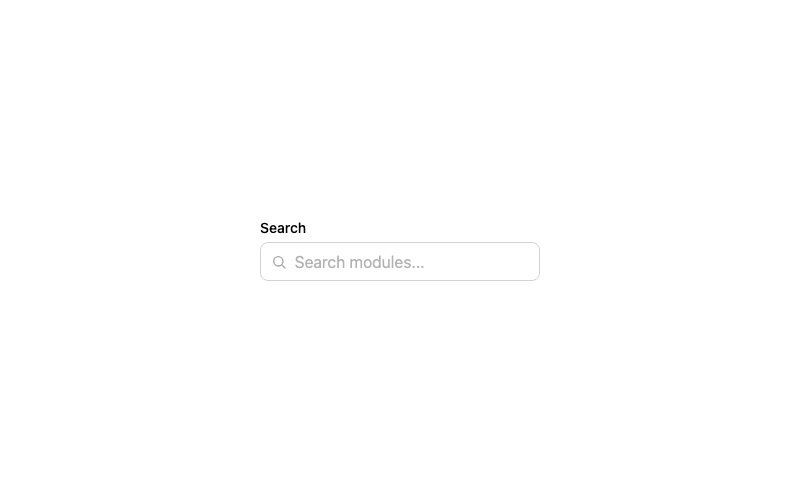 Featured
Icon Input
A search input with a leading magnifier icon.
htmlbeginner
1.3k802602242
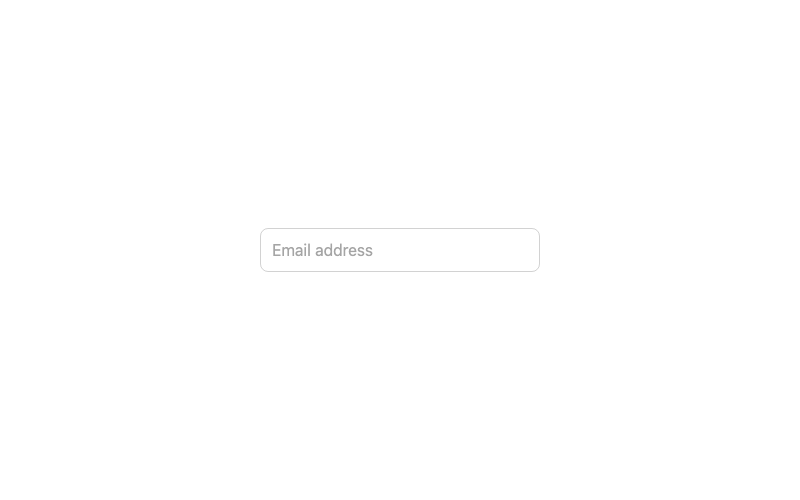
Floating Label Input
An input whose label floats above when focused or filled.
htmladvanced
3.2k1.0k246186
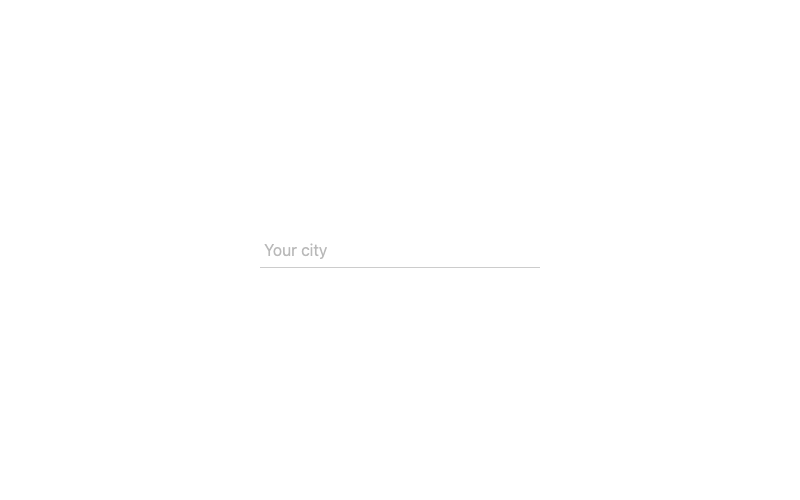
Underline Input
A borderless input with an animated underline.
htmlintermediate
2.2k62942969