htmlbeginnermit
Success Alert
A success confirmation alert.
3.8k738478108
About this module
A green-tinted alert for successful actions such as saved changes or a completed upload.
#alert#success
Source code
Installation
- 1
Create the files
Create `index.html` and `style.css` in the same folder.
- 2
Paste the code
Copy each file's source into its matching file.
- 3
Open in the browser
Open `index.html` in any modern browser.
Usage
- 1
Copy the HTML
Paste the card markup where you need it.
<link rel="stylesheet" href="style.css" />
<div class="mh-alert success" role="status">
  <span class="mh-icon">✅</span>
  <div>
    <b>Changes saved</b>
    <p>Your module was published successfully.</p>
  </div>
</div>
Related modules
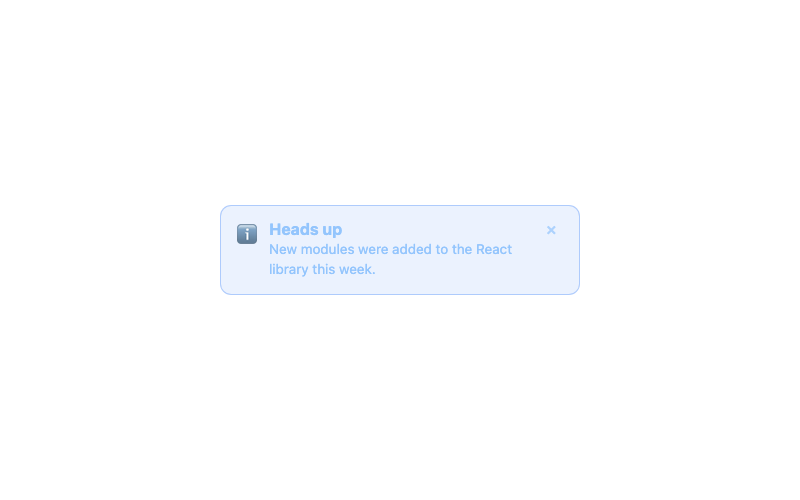
Info Alert
An informational alert banner with icon.
htmlbeginner
1.3k1.2k169279
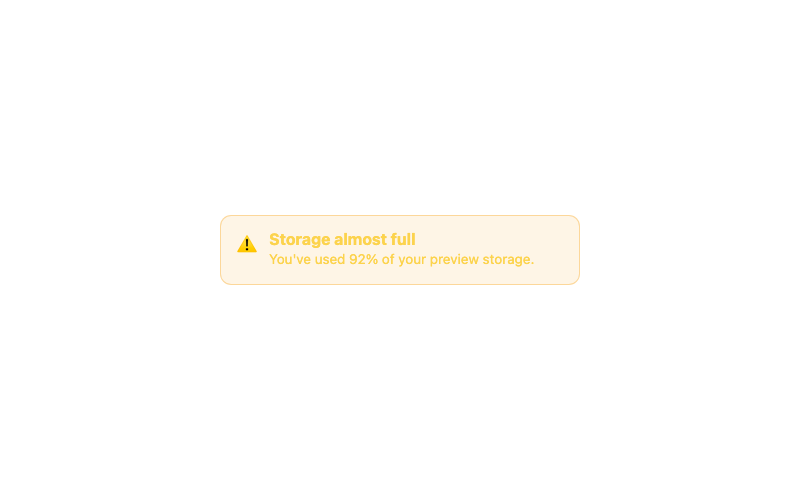
Warning Alert
A warning alert for cautionary messages.
htmlbeginner
1.6k1.3k27989

Minimal Button
A clean, borderless button with a subtle fill on hover.
htmlbeginner
4.8k2.0k48090

Modern Button
A rounded button with a soft shadow that lifts on hover.
htmlbeginner
4.6k81636676