htmladvancedmit
Validated Email Input
An email field with live validation feedback.
1.1k758558198
About this module
An email input that validates as you type, showing an inline check or error message with proper ARIA attributes.
#input#form#validation#email
Source code
Installation
- 1
Create the files
Create `index.html`, `style.css` and (if listed) `script.js` in the same folder.
- 2
Paste the code
Copy each file's source into its matching file.
- 3
Open in the browser
Open `index.html` in any modern browser.
Usage
- 1
Copy the HTML
Paste the markup where you need it.
<link rel="stylesheet" href="style.css" /> <script src="script.js"></script> <div class="mh-field"> <label for="mail">Work email</label> <input id="mail" type="email" placeholder="you@company.com" aria-describedby="mail-status" /> <span id="mail-status" class="mh-status" role="status"></span> </div> - 2
Wire up the script
Include `script.js` before the closing body tag.
const input = document.getElementById("mail");
const status = document.getElementById("mail-status");
const valid = /^[^\s@]+@[^\s@]+\.[^\s@]+$/;
input.addEventListener("input", () => {
  const value = input.value.trim();
  if (!value) {
    status.textContent = "";
    input.removeAttribute("aria-invalid");
    return;
  }
  if (valid.test(value)) {
    status.textContent = "✓ Looks good";
    status.className = "mh-status ok";
    input.removeAttribute("aria-invalid");
  } else {
    status.textContent = "Enter a valid email address";
    status.className = "mh-status err";
    input.setAttribute("aria-invalid", "true");
  }
});
Related modules
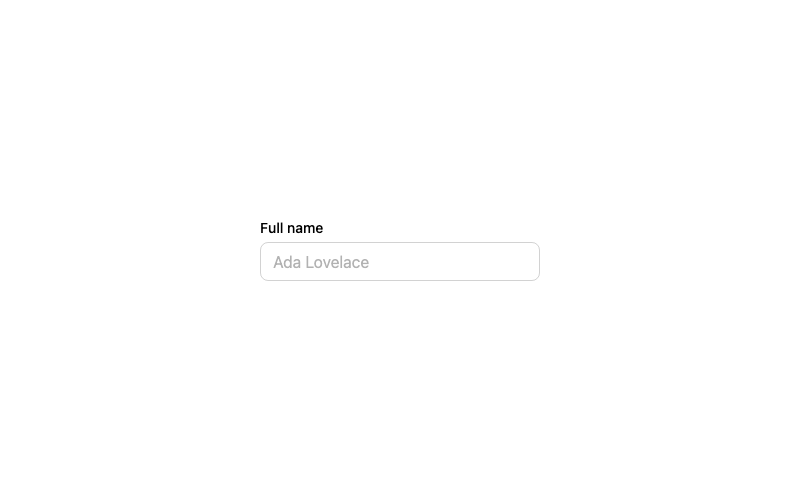
Default Input
A standard labeled text input with a focus ring.
htmlbeginner
2.9k874674314
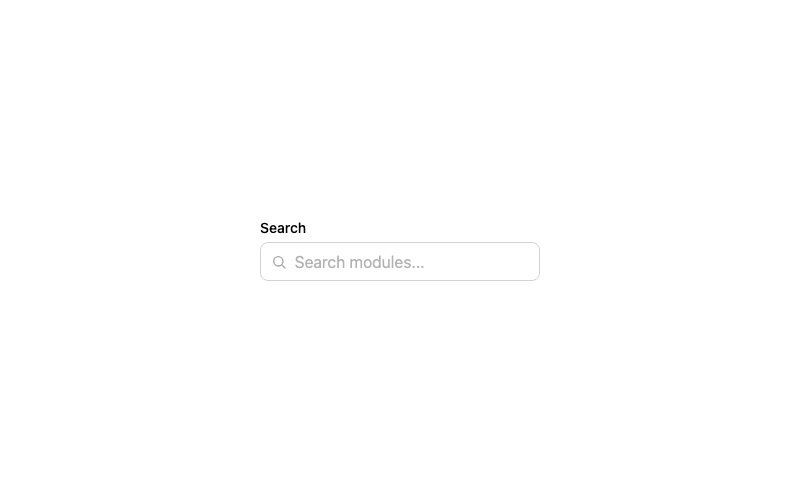 Featured
Icon Input
A search input with a leading magnifier icon.
htmlbeginner
1.3k802602242
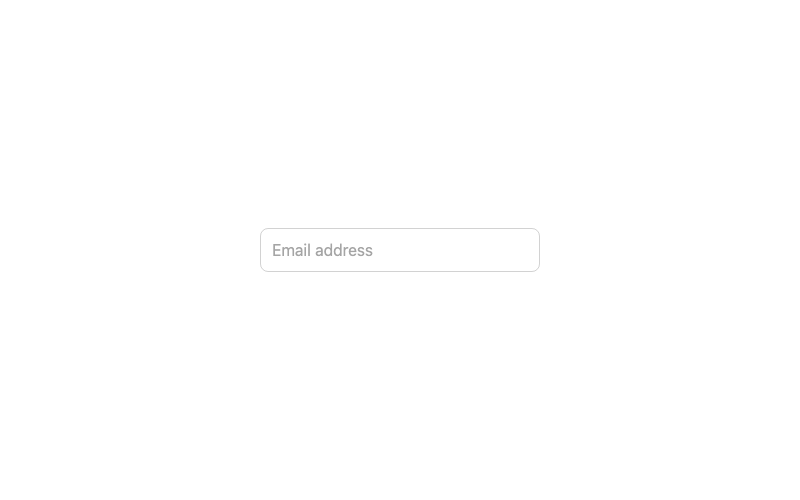
Floating Label Input
An input whose label floats above when focused or filled.
htmladvanced
3.2k1.0k246186
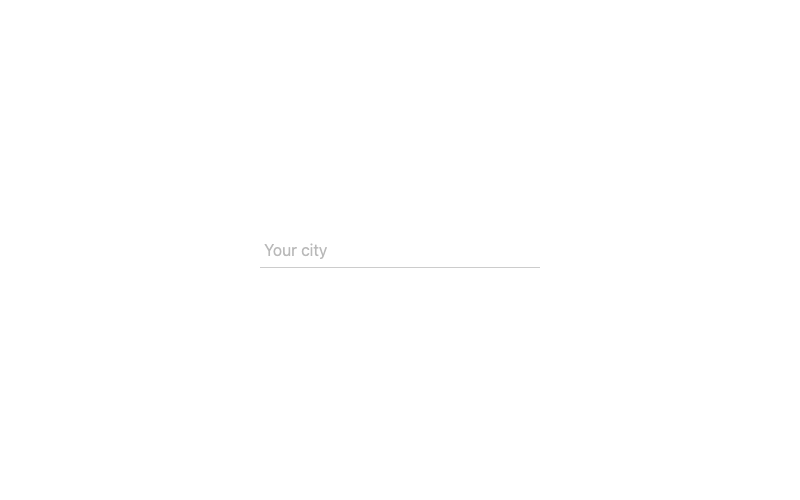
Underline Input
A borderless input with an animated underline.
htmlintermediate
2.2k62942969