vuebeginnermitFeatured
Vue Toggle Switch
A styled toggle switch component.
6.9k1.9k564424
About this module
A Vue 3 toggle switch with <script setup>, v-model support, keyboard toggling and ARIA attributes.
#vue#toggle#switch#form
Source code
Installation
- 1
Install Vue
Create a Vue 3 project or add the component to an existing one.
npm create vue@latest - 2
Create the component
Create VueToggleSwitch.vue and paste the source below.
- 3
Import and use
Import the component in your page or parent component and render it.
Usage
- 1
Import the component
Import VueToggleSwitch in a parent component.
import VueToggleSwitch from "./components/VueToggleSwitch.vue"; - 2
Register and render
Register it in your setup and render it in the template.
<script setup>
import VueToggleSwitch from "./components/VueToggleSwitch.vue";
</script>

<template>
  <vue-toggle-switch />
</template>
Related modules
 Featured
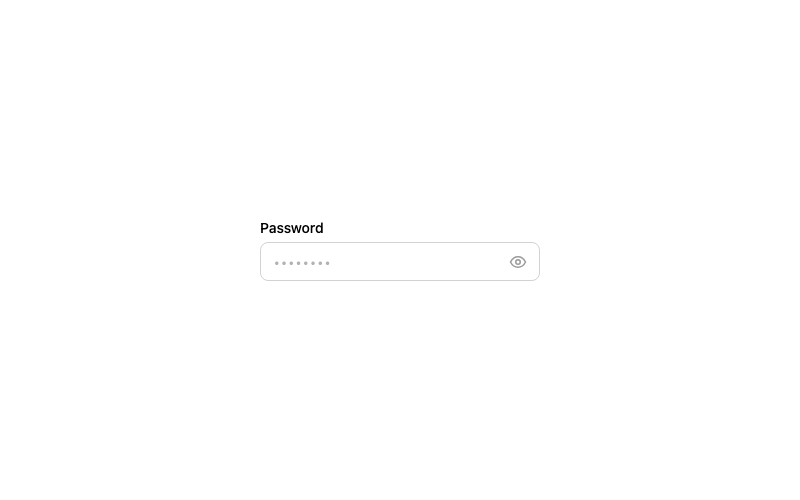
Password Toggle Input
A password field with a show/hide eye toggle.
htmlintermediate
3.4k1.1k255195
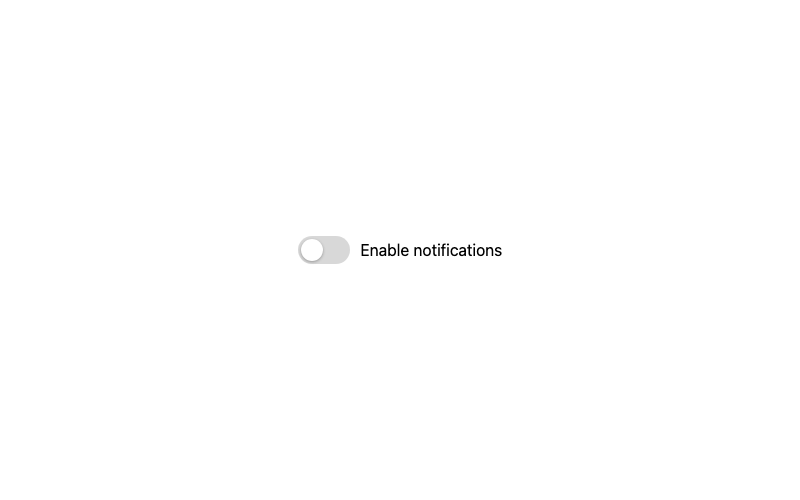
Classic Toggle
The standard green toggle switch with a sliding knob.
htmlbeginner
1.1k99316393
React Toggle Switch
A controlled toggle switch component.
reactbeginner
8.5k1.9k1.3k401
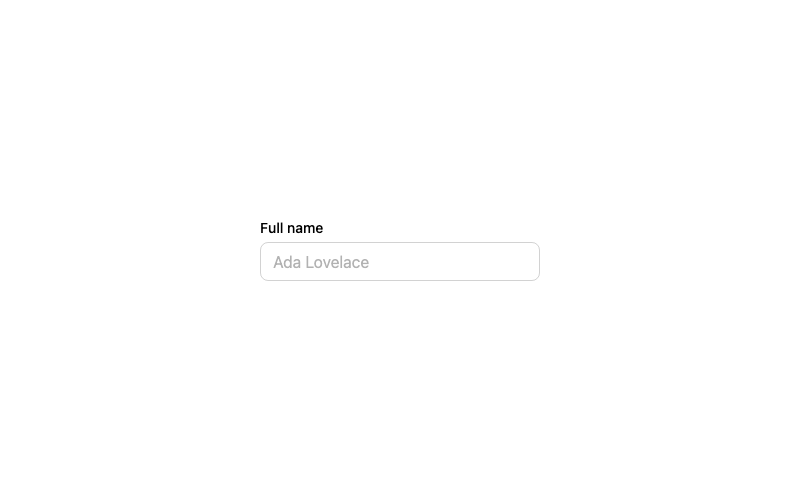
Default Input
A standard labeled text input with a focus ring.
htmlbeginner
2.9k874674314