reactintermediatemit
React Tabs
A keyboard-friendly tabs component.
9.6k2.0k1.4k566
About this module
An accessible tabs component with arrow-key navigation, ARIA roles and an animated indicator.
#react#tabs#keyboard#accessible
Source code
Installation
- 1
Install dependencies
Install React and the required packages.
npm install react react-dom - 2
Create the component
Create ReactTabs.tsx and paste the source below.
- 3
Create the styles
Create `styles.css` alongside the component and import it from the component file.
- 4
Import and use
Import the component in your page or layout and render it.
Usage
- 1
Import the component
Import ReactTabs from its file.
import ReactTabs from "./components/ReactTabs"; - 2
Render it
Render the component in your JSX.
export default function App() {
  return <ReactTabs />;
}
Related modules
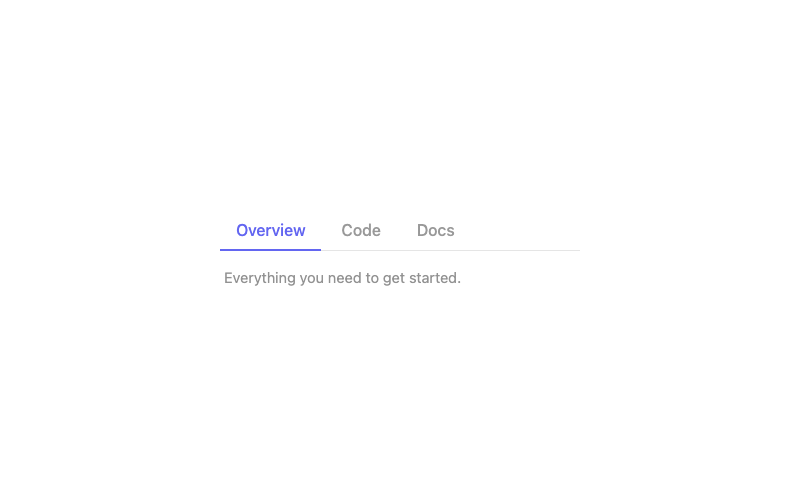
Tabs
Animated underline tabs with ARIA roles.
htmlintermediate
3.5k1.8k906216
 Featured
React Glass Navbar
A frosted-glass navbar as a React component.
reactintermediate
7.8k2.7k1.4k513
 Featured
React Pricing Cards
Data-driven pricing cards with props.
reactintermediate
5.9k2.8k1.5k656
React Animated Counter
A hook-powered count-up component.
reactintermediate
2.9k4.3k852702